When researching the internet on patient monitors for your medical facility the options and information can be overwhelming. With skyrocketing costs in the healthcare segment you don’t want to pay unreasonable prices, but in most cases selecting the wrong vendor can be much worse than paying an initial premium. Here are 5 signs to ensure you can strike a balance and source equipment that betters your practice and your patient care.
Look for companies that have been active in manufacturing or supplying vital signs and patient monitor technology for over a decade. There is a long learning curve and new suppliers take time to navigate and iron out the difficulties. Many don’t last in the space. You want a supplier that will be available years after your initial purchase.
Does the supplier stand behind their products? What type of return policy do they have? What warranty are they offering?
What type of service and support is available? Call them and interact. Are they available for fitting you with the right products, providing install or setup walk-throughs, and having fast post-sale customer service and technical support? These are not the type of products that can be considered a
commodity.
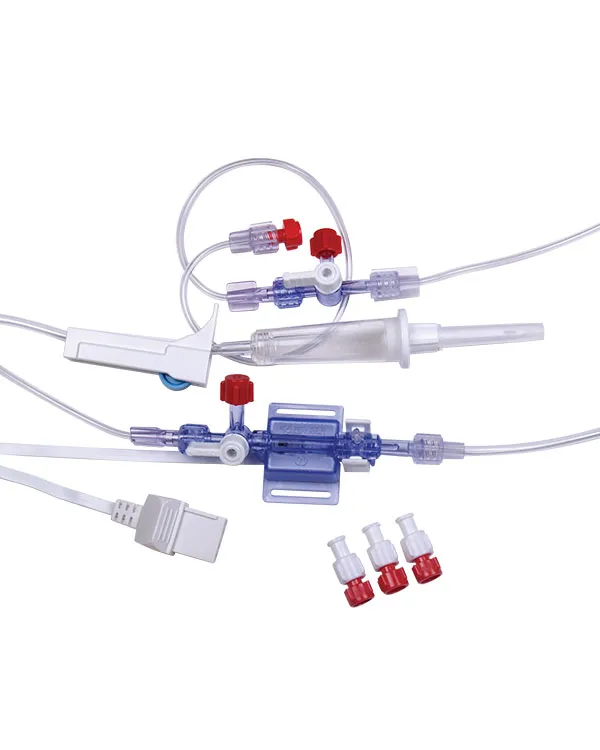
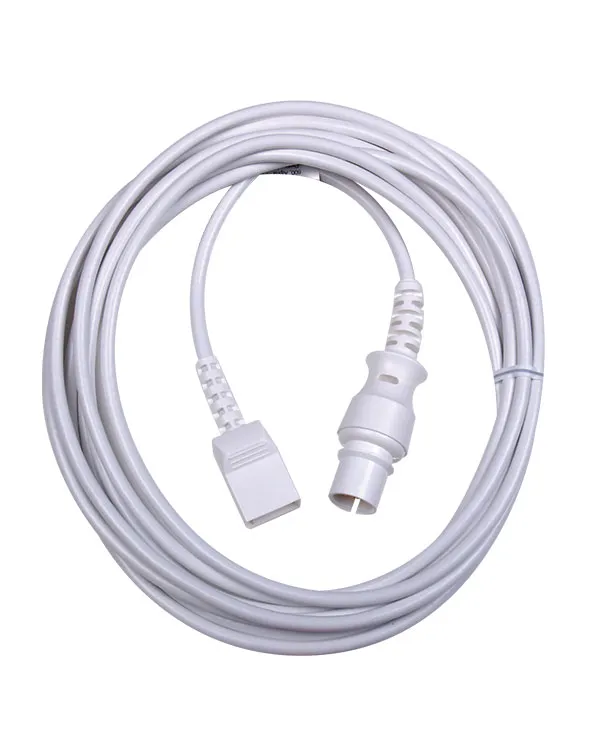
Does your vendor have parts and accessories to support your daily workflow and keep you running? Even the best products eventually need maintenance, new accessories, and replacement parts or replacement units. Does your vendor have these key pieces ready to ship at a moment’s notice?
Is your vendor providing the products that fit you and your patient’s needs within a sustainable budget? Are they right for your workflow and the types of procedures and care you are providing? Does your supplier understand what you do?
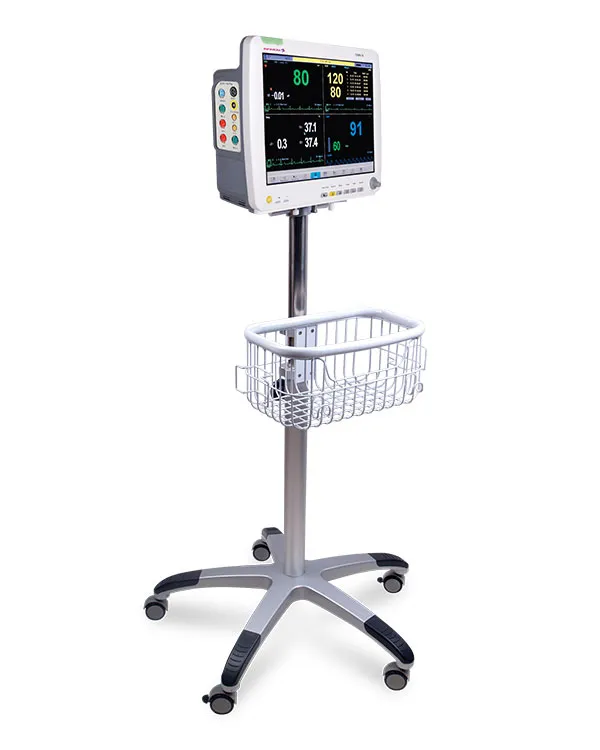
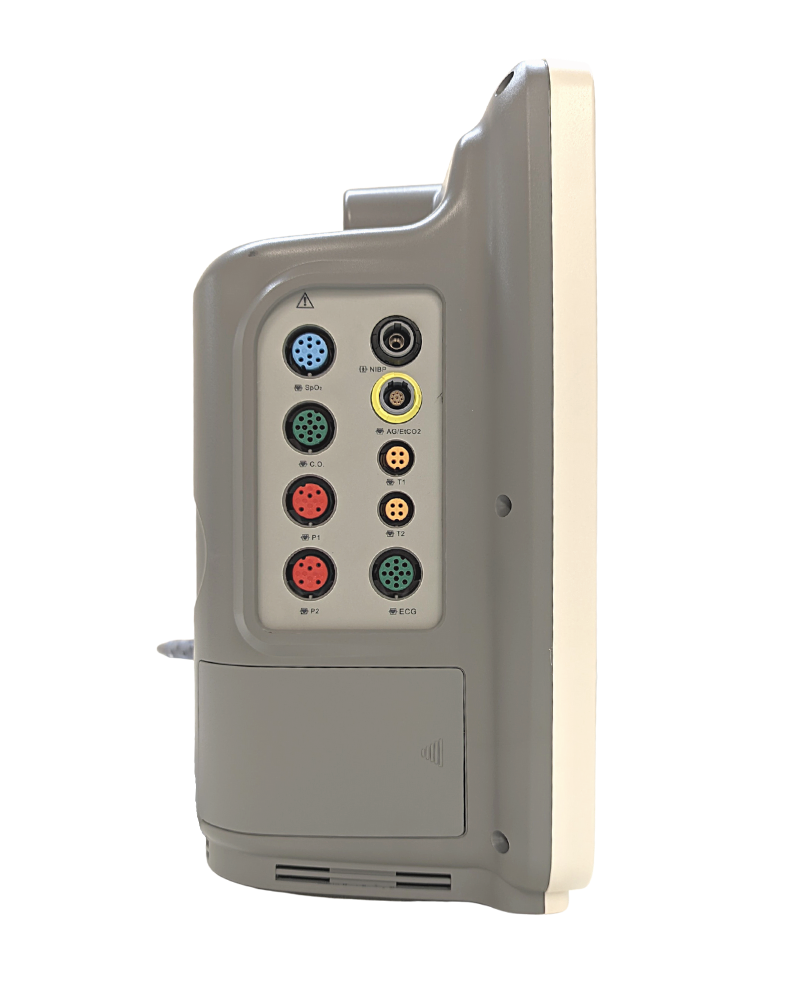
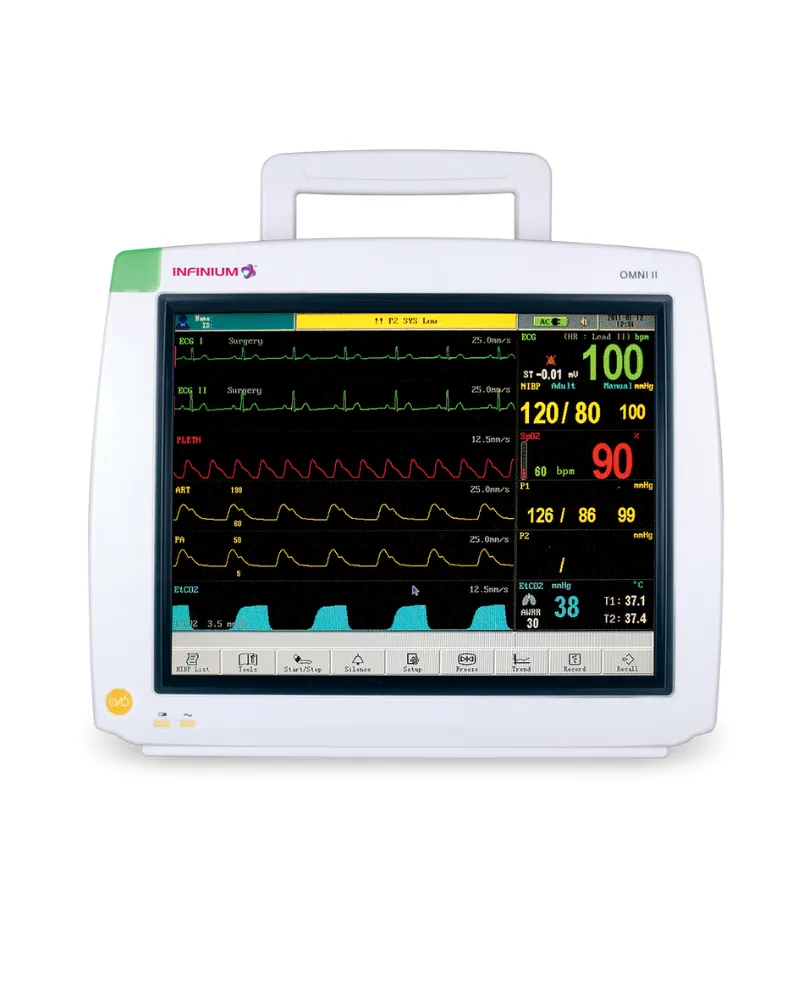
Infinium monitors are fully featured, come with a class-leading 5-year warranty and include a wide range of vital sign parameter options.
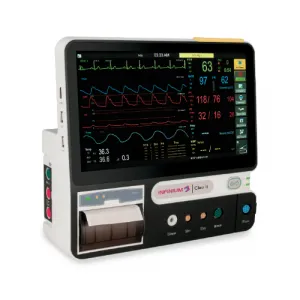
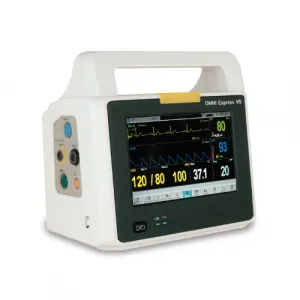
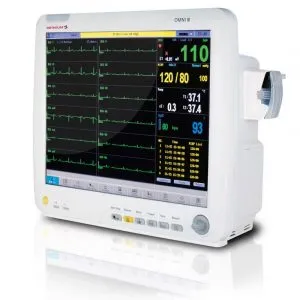
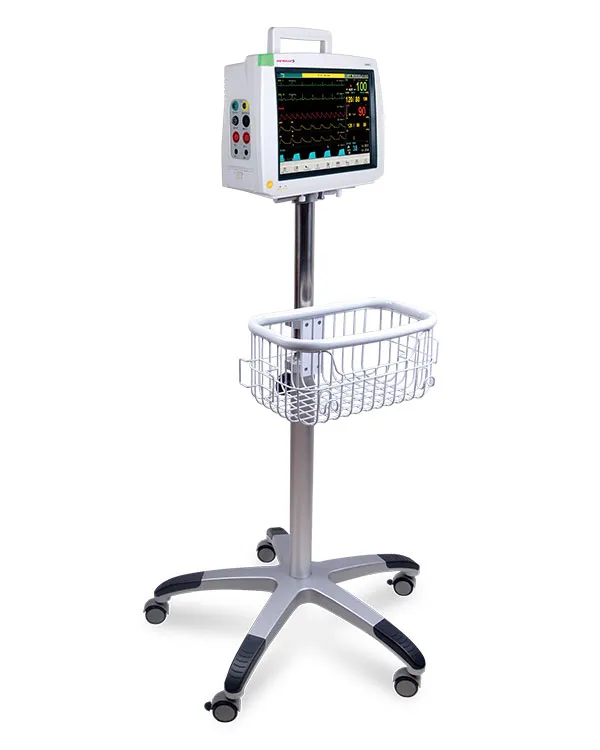
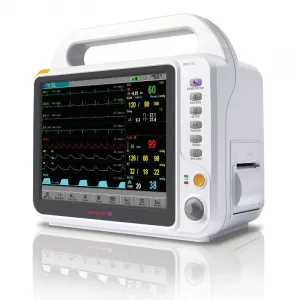
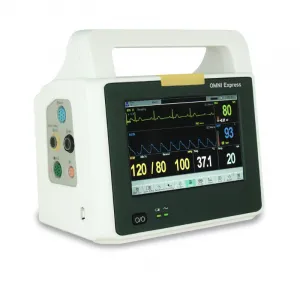
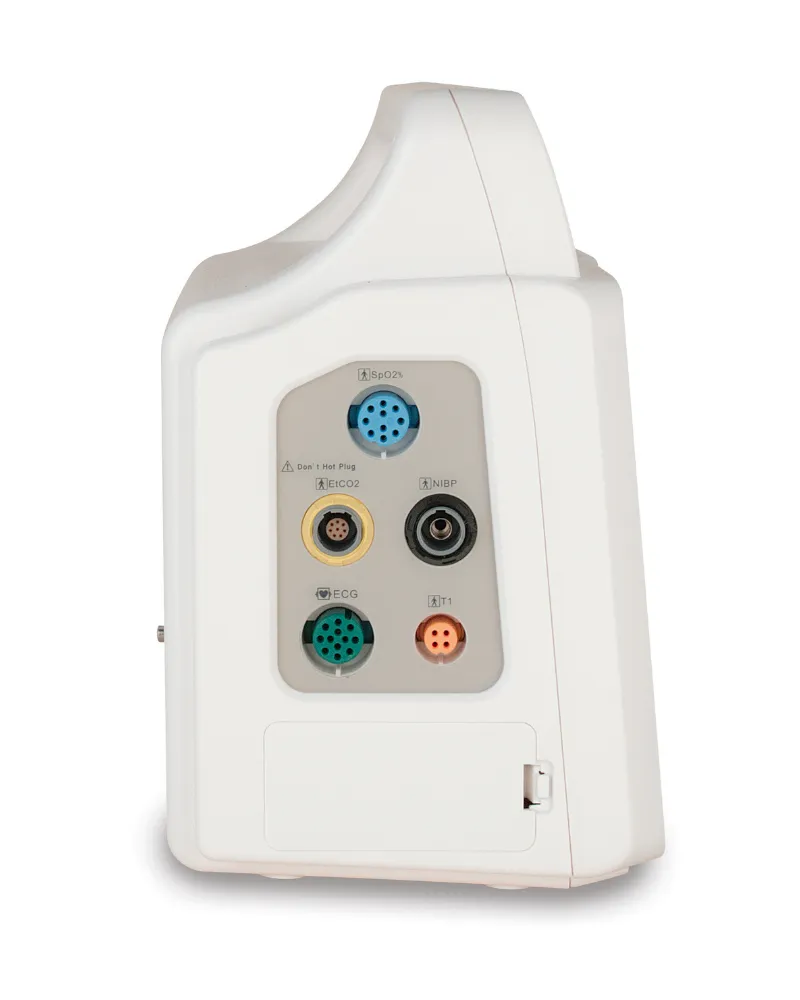
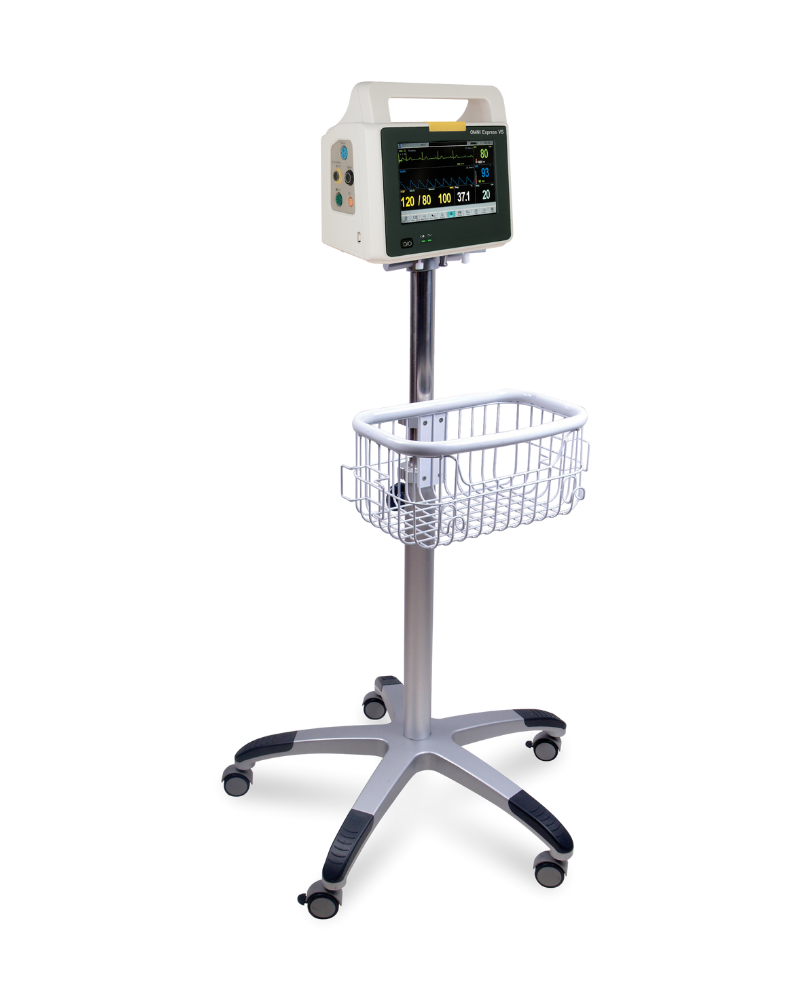
Aside from our 15 inch Omni III Operating Room monitor, the primary difference in Omni series monitors is the screen size and form factor. Each monitor in the series shares a common easy to use software and user interface to minimize training and downtime. Each monitor is also field upgradable for added flexibility. Choose the best screen size and form factor to fit your needs:
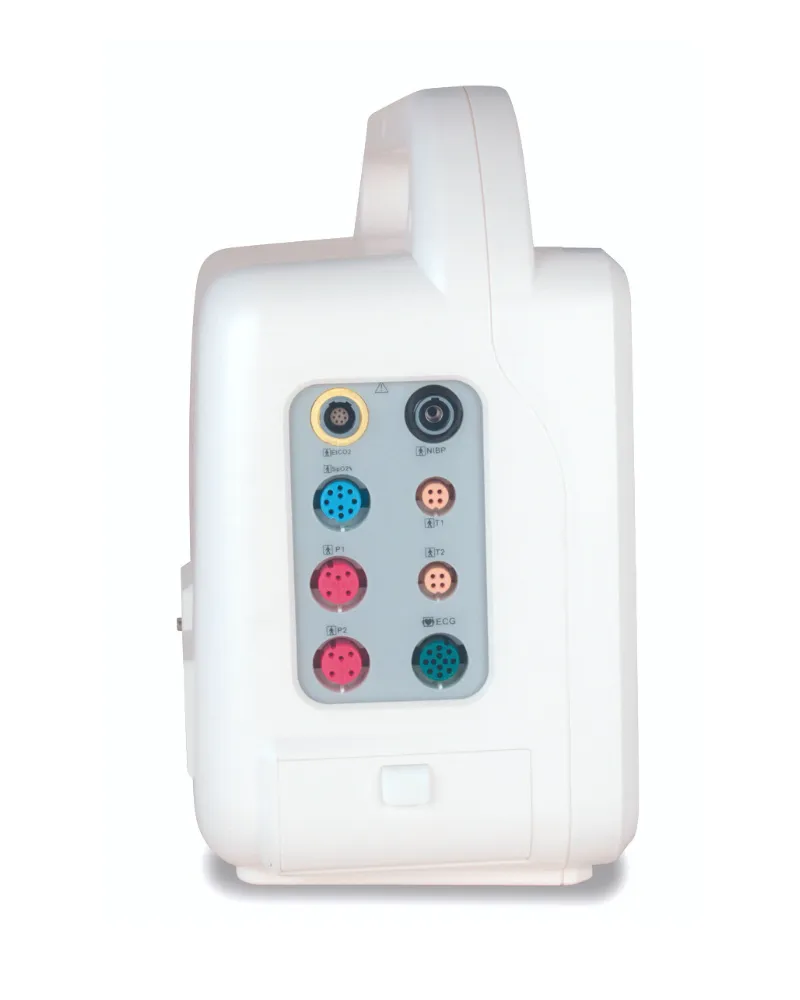
From the general floor to high acuity surgeries, Infinium patient monitors are designed for flexibility in different areas of care. Many of our monitors can be upgraded at your location with simple plug-in modules and software settings. This field upgradability allows users to customize the monitor’s acuity level.
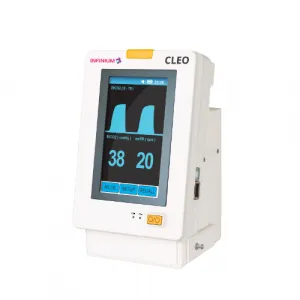
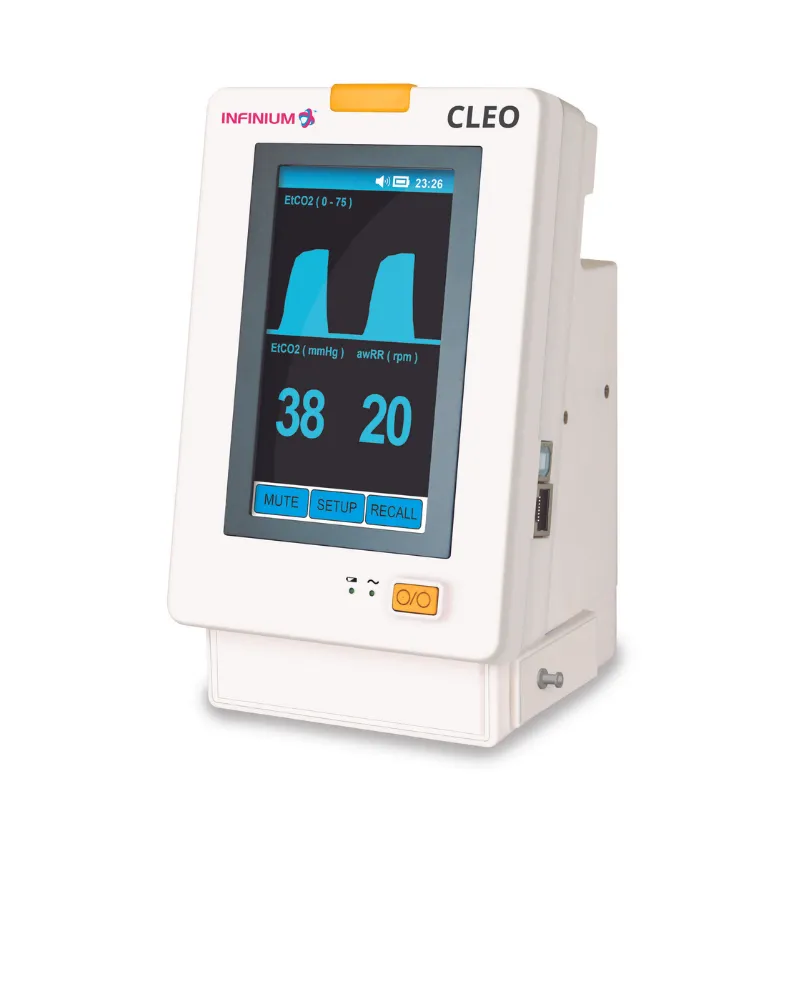
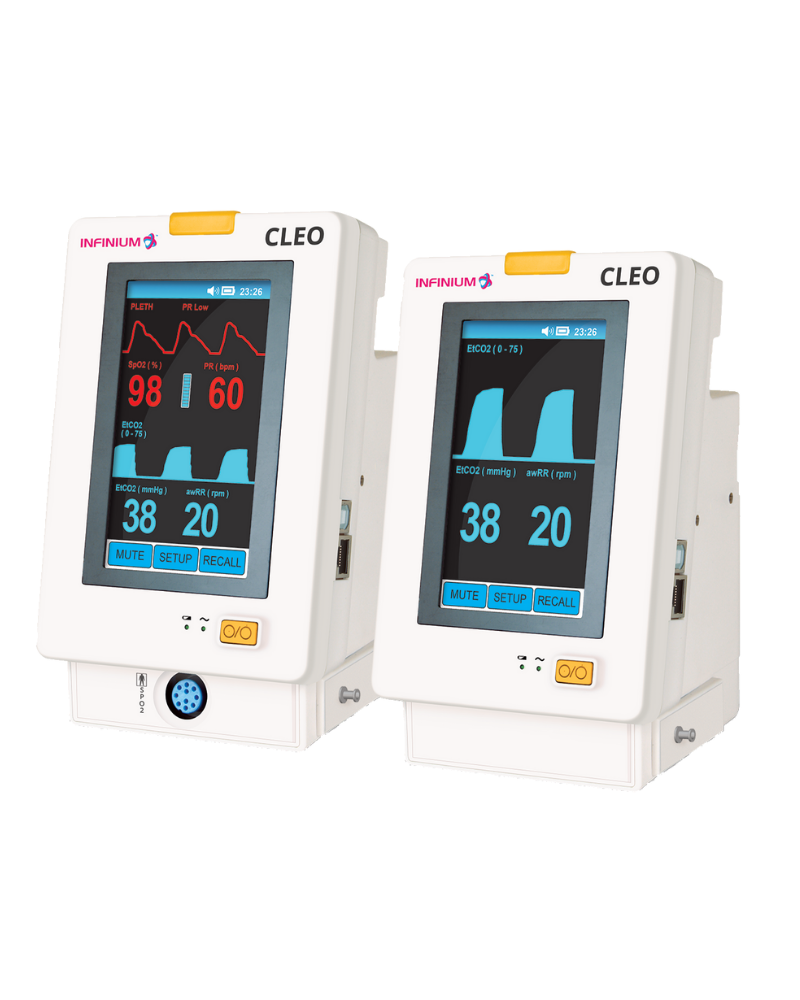
Infinium designs monitors to be very user-friendly. With a touchscreen and easy-to-operate software, our Omni & Cleo patient monitor series will reduce staff training and frustration.
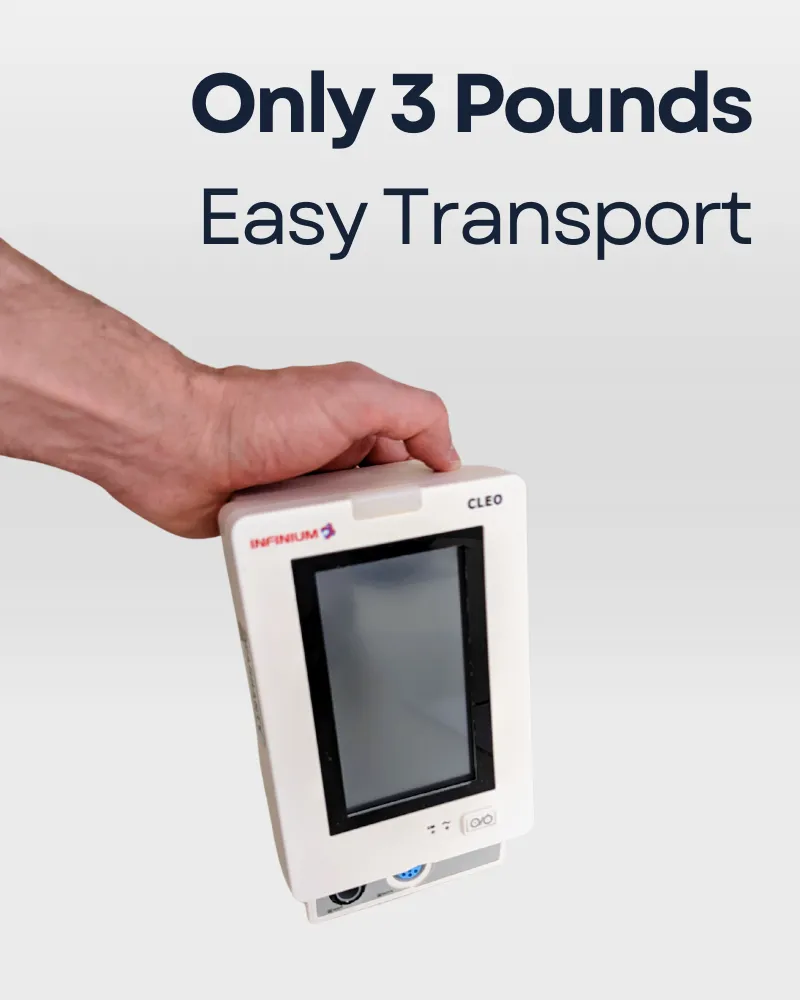
Since 1991 Infinium has manufactured reliable and durable patient monitoring equipment. Our ISO13485 certified facilities test, calibrate, and inspect product that is backed with an industry-leading 5-year warranty. Most models are compact, include battery backup, and can be mounted, rolled, or quickly moved by hand to changing patient locations.
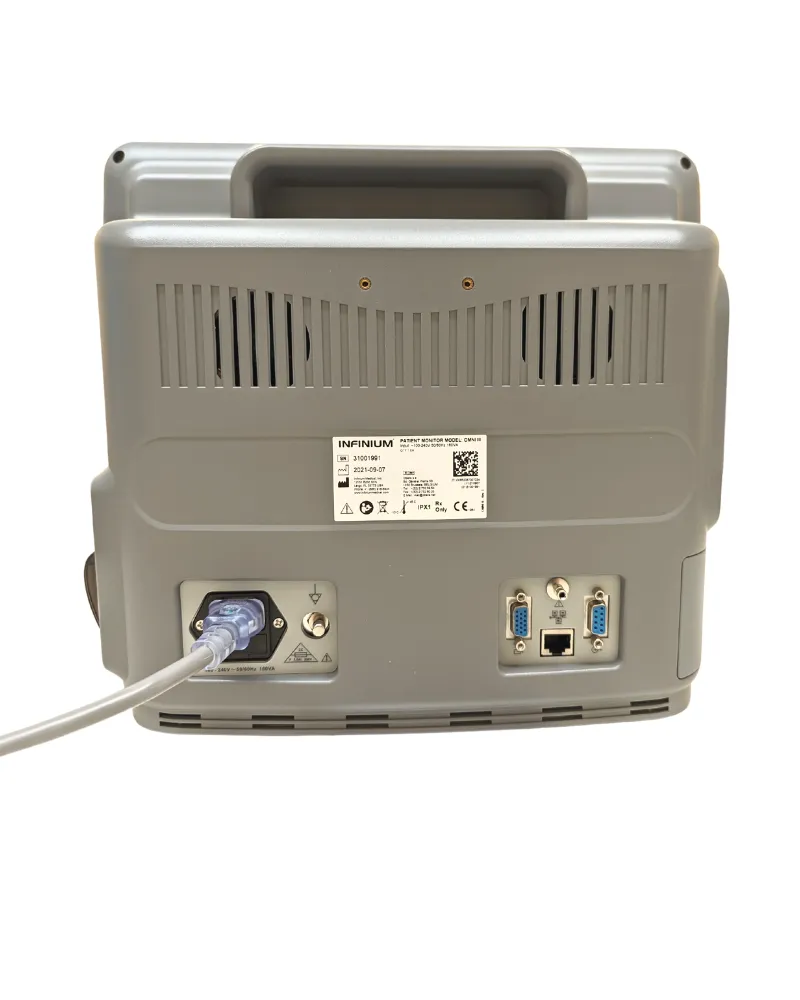
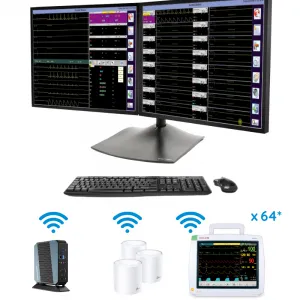
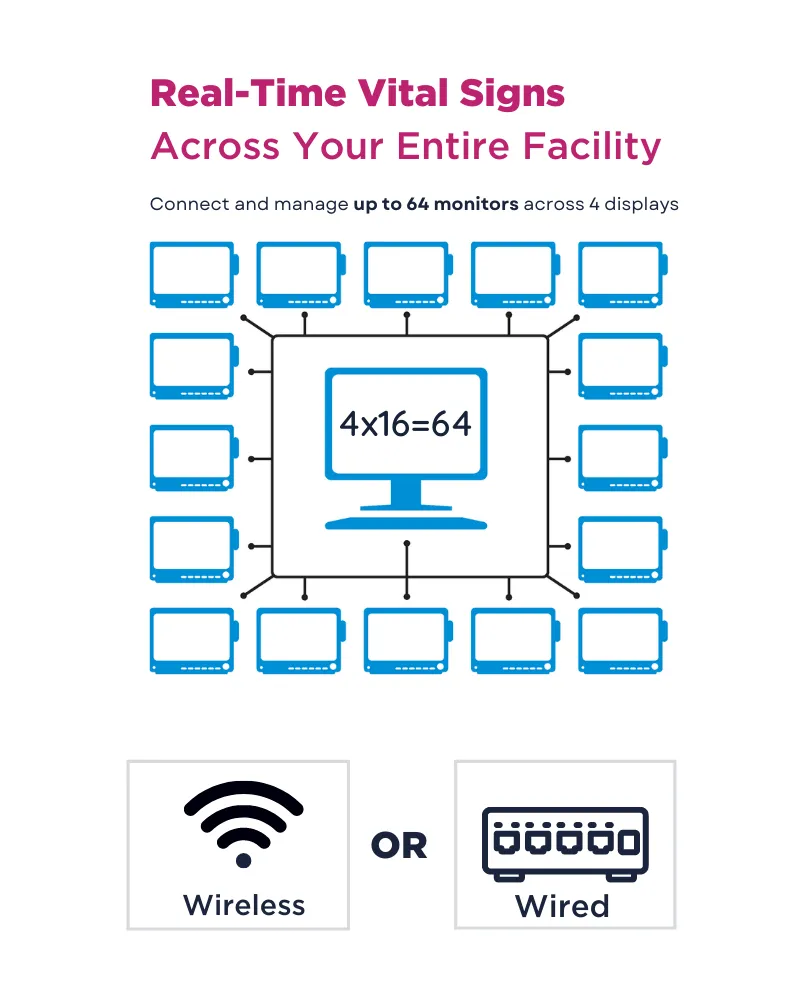
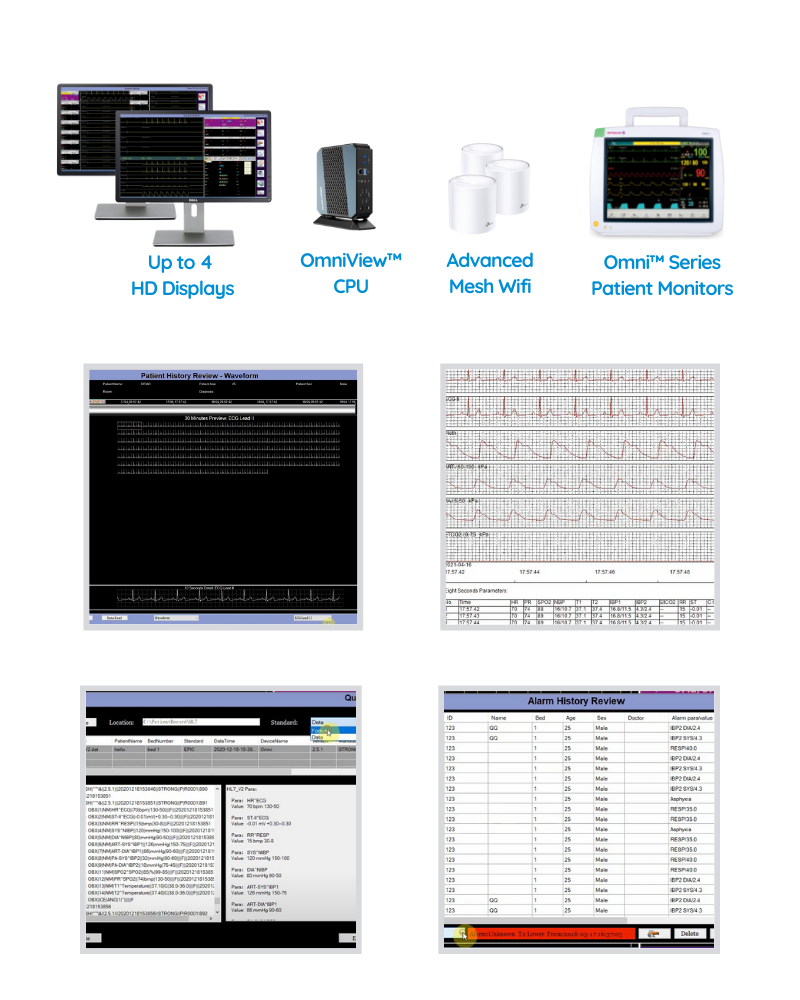
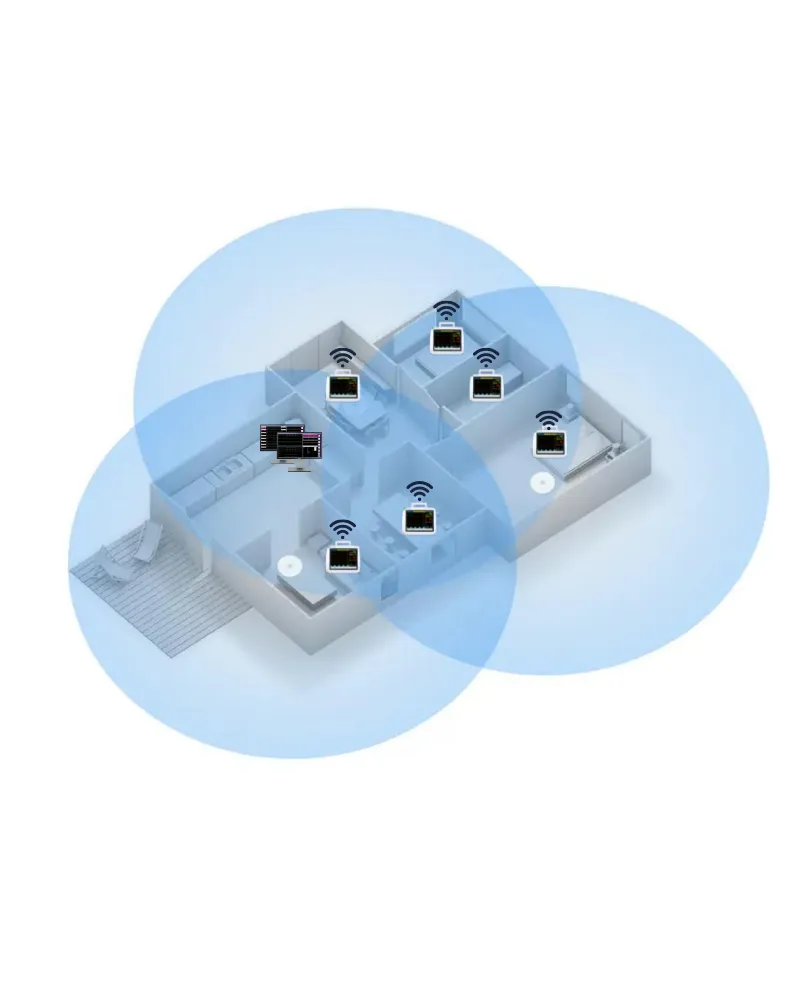
The Omni Series™ offers several connective solutions to network multiple monitors and/or manage patient data on an electronic medical records platform or a HL7-based hospital information system. Our monitors offer Ethernet and RS-232 connections with an open-source communication protocol and are HL7 compliant. HL7 allows for all patient information and trends to be transferred to a hospital information system. For non-HL7 medical facilities, our Omniview™ central station provides real-time remote monitoring and networking of up to 64 Omni patient monitors. Omniview™ archives full vital sign trends and patient data can be saved, stored, printed, and, transferred.
When researching the internet on patient monitors for your medical facility the options and information can be overwhelming. With skyrocketing costs in the healthcare segment you don’t want to pay unreasonable prices, but in most cases selecting the wrong vendor can be much worse than paying an initial premium. Here are 5 signs to ensure you can strike a balance and source equipment that betters your practice and your patient care.
Look for companies that have been active in manufacturing or supplying vital signs and patient monitor technology for over a decade. There is a long learning curve and new suppliers take time to navigate and iron out the difficulties. Many don’t last in the space. You want a supplier that will be available years after your initial purchase.
Does the supplier stand behind their products? What type of return policy do they have? What warranty are they offering?
What type of service and support is available? Call them and interact. Are they available for fitting you with the right products, providing install or setup walk-throughs, and having fast post-sale customer service and technical support? These are not the type of products that can be considered a
commodity.
Does your vendor have parts and accessories to support your daily workflow and keep you running? Even the best products eventually need maintenance, new accessories, and replacement parts or replacement units. Does your vendor have these key pieces ready to ship at a moment’s notice?
Is your vendor providing the products that fit you and your patient’s needs within a sustainable budget? Are they right for your workflow and the types of procedures and care you are providing? Does your supplier understand what you do?
Infinium monitors are fully featured, come with a class-leading 5-year warranty and include a wide range of vital sign parameter options.
Aside from our 15 inch Omni III Operating Room monitor, the primary difference in Omni series monitors is the screen size and form factor. Each monitor in the series shares a common easy to use software and user interface to minimize training and downtime. Each monitor is also field upgradable for added flexibility. Choose the best screen size and form factor to fit your needs:
From the general floor to high acuity surgeries, Infinium patient monitors are designed for flexibility in different areas of care. Many of our monitors can be upgraded at your location with simple plug-in modules and software settings. This field upgradability allows users to customize the monitor’s acuity level.
Infinium designs monitors to be very user-friendly. With a touchscreen and easy-to-operate software, our Omni & Cleo patient monitor series will reduce staff training and frustration.
Since 1991 Infinium has manufactured reliable and durable patient monitoring equipment. Our ISO13485 certified facilities test, calibrate, and inspect product that is backed with an industry-leading 5-year warranty. Most models are compact, include battery backup, and can be mounted, rolled, or quickly moved by hand to changing patient locations.
The Omni Series™ offers several connective solutions to network multiple monitors and/or manage patient data on an electronic medical records platform or a HL7-based hospital information system. Our monitors offer Ethernet and RS-232 connections with an open-source communication protocol and are HL7 compliant. HL7 allows for all patient information and trends to be transferred to a hospital information system. For non-HL7 medical facilities, our Omniview™ central station provides real-time remote monitoring and networking of up to 64 Omni patient monitors. Omniview™ archives full vital sign trends and patient data can be saved, stored, printed, and, transferred.